
Automate Your Workflow. Optimise Your Day.
Job Management
Job Management
Job Management
Automating processes across your entire fleet to get jobs in and out of your shop is essential to productivity — it can improve the quality of your output as well. With faster turnaround times and less room for error, you'll be able to bring in more work and grow your business.
Web to Print
Web to Print
Web to Print
Make your services more accessible and expand your reach by putting your business on the web and allowing customers to submit jobs from anywhere, anytime using a convenient online portal. Xerox web-to-print solutions provide a 24/7 storefront that can accept jobs and even automate job scheduling and setup, keeping your shop productive — even when no one is there.
Prepress
Prepress
Prepress
Save time and money by automating labour-intensive prepress tasks. Basic imposition, tab programming, even simplified colour management can be handled with a touchless workflow, reducing risks of error, freeing resources and speeding jobs through your shop so you can meet ever shortening turnaround times and bring in more business.
Variable Data Publishing
Variable Data Publishing
Variable Data Publishing
Use customisation and personalisation to create targeted, relevant touchpoints that drive valuable responses and get desired results for your customers. Plus, find innovative, yet simple-to-implement, ways to personalise your printed communications.
Cross Media Publishing
Cross Media Publishing
Cross Media Publishing
Delivering engaging communications across multiple channels including print, email, web, mobile and video creates a more engaging and interactive experience for customers and gets messages noticed. Xerox cross media publishing solutions make it possible to simultaneously develop multi-touch and multichannel communications while adding rich media to increase value and impact.
Featured Solutions

Stop devouring profit with manual tasks. Make your workflow work—automatically.

An all-in-one tool that helps you seamlessly plan, execute and track cross-channel efforts.
Complete More Projects & Reduce Your Costs
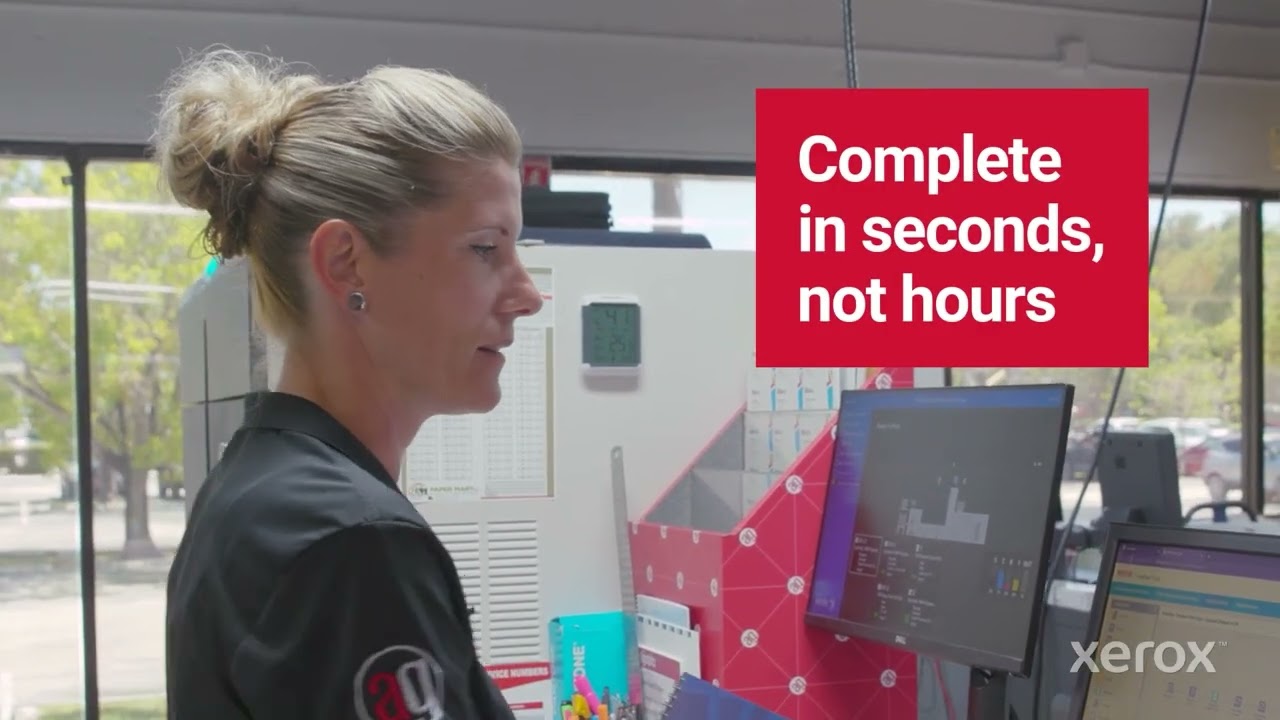
Xerox FreeFlow "Sweet Suite" of Software solutions
Xerox FreeFlow "Sweet Suite" of Software solutions

Graphicolor Embraces Xerox End-to-End Ecosystem
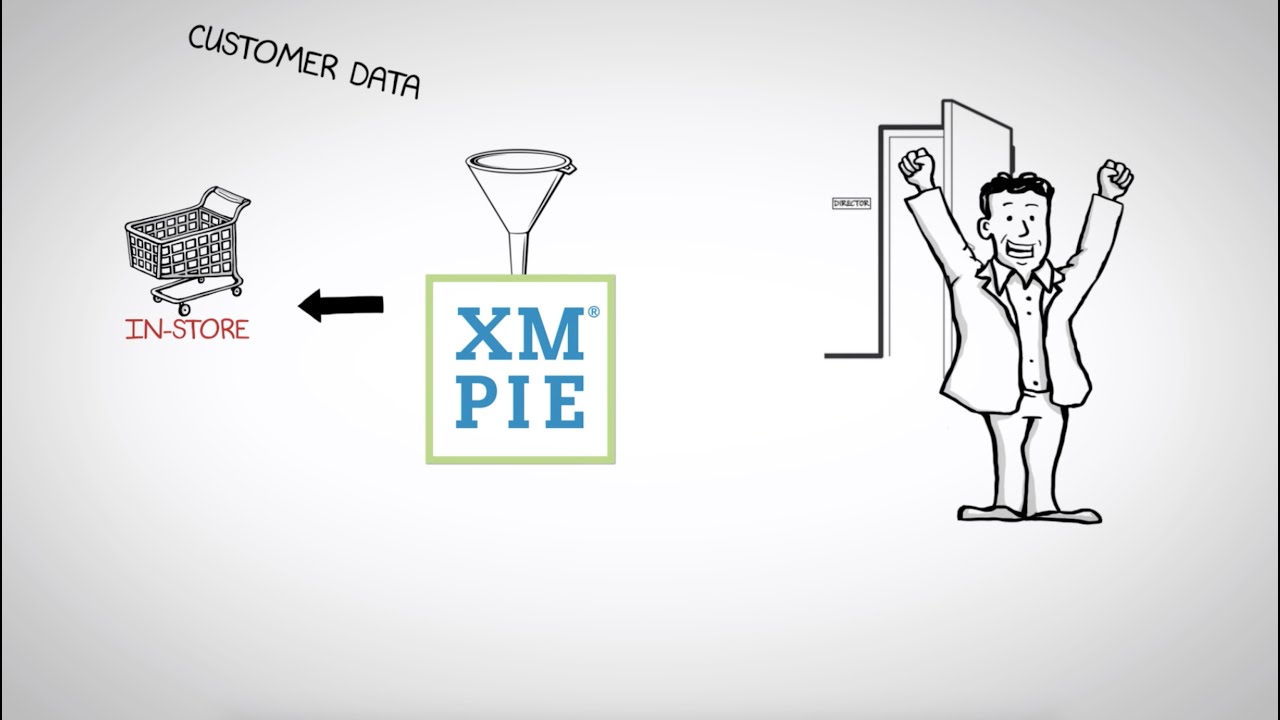
XMPie software for the retail industry

PremCom Increases Print Capacity 70% with Workflow Automation

Automate 5-Color Printing with FreeFlow Core on Xerox iGen 5 Press
Workflow Automation – What Every Print Provider Needs to Know
Workflow automation isn’t just for big or specialty printers. With continued advancements, this game-changing technology can help anyone—even the smallest commercial printers and in-house print centers—achieve real benefits in terms of efficiency and cost savings.


Workflow Automation Webinars
Our virtual learning series and video tutorials help you keep up with the latest industry trends.

Xerox Support Resources
Need help or want to learn more?
Workflow Forum
Discuss questions and answers about workflow products in a peer-to-peer format.
Support and Drivers
Access our online knowledge base and see how Xerox Support can help you maintain peak uptime.
Workflow Software Insights

Improved Student Engagement
See how using Xerox® Baltoro® HF Inkjet Press helps school DCMO BOCES deliver more-engaging educational content while saving significant costs.
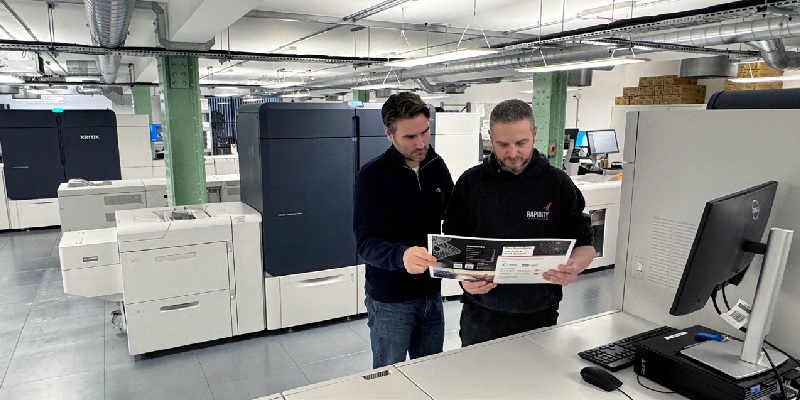
UK printer delivers high-value projects while lowering environmental impact
Rapidity gains efficiency, versatility with Xerox® Iridesse® Presses

Unlocking Profits with Digital Embellishments
Get ready to dazzle your clients and boost your bottom line with this power training session from Xerox and Taktiful. Learn strategies to become more profitable marketing, pricing and selling Beyond CMYK applications.

Power Up Your Production Print Profitability
Our infographic provides an at-a-glance look at the latest industry intelligence to help put your production print operation on the path to profit and growth. Download it now.

How Print Service Providers Can Drive Profitability
Download our checklist to help you stay ahead of industry headwinds and be more profitable while managing the shift toward shorter, faster turnaround jobs.

Getting Started with Xerox® FreeFlow® Core
Join our Xerox virtual webinar to help streamline your pre-press workflow and say goodbye to touchpoints and bottlenecks.


